
By Searchneasy Digital Team | 3 November 2026
Walk into many Malaysian SMEs and you will see the same picture. Orders come in on WhatsApp. Stock lives in an Excel file on one computer. Invoices and delivery orders are written or printed, then filed in a drawer. Somehow it all works, mostly because a few people remember everything.
Then the business grows. A second salesperson joins. A customer asks for a statement of account. The stock count does not match what Excel says. And the owner spends the evening scrolling through WhatsApp to find what was promised to whom.
If this sounds familiar, you do not need to change everything at once. You need to know where to start.
Why WhatsApp, Excel and paper stop working
Each tool is fine on its own. WhatsApp is fast. Excel is flexible. Paper is easy. The trouble starts when the same order has to pass through all three.
- An order is agreed on WhatsApp, typed into Excel, then written again on an invoice.
- Every time it is copied, there is a chance of a mistake.
- Nobody can see the full picture without asking someone.
The cost is not only time. It is the wrong item sent, the invoice that was never issued, and the customer who stops ordering because the reply came too late.
Step 1: List what you type more than once
Take one normal order and follow it from start to finish. Write down every place it gets typed: chat, quotation, Excel, invoice, delivery order, accounts.
Most owners are surprised. The same order is often keyed in three or four times. That list is your starting point, because every repeat is a chance to save time and avoid errors.
Step 2: Fix the part that costs you the most
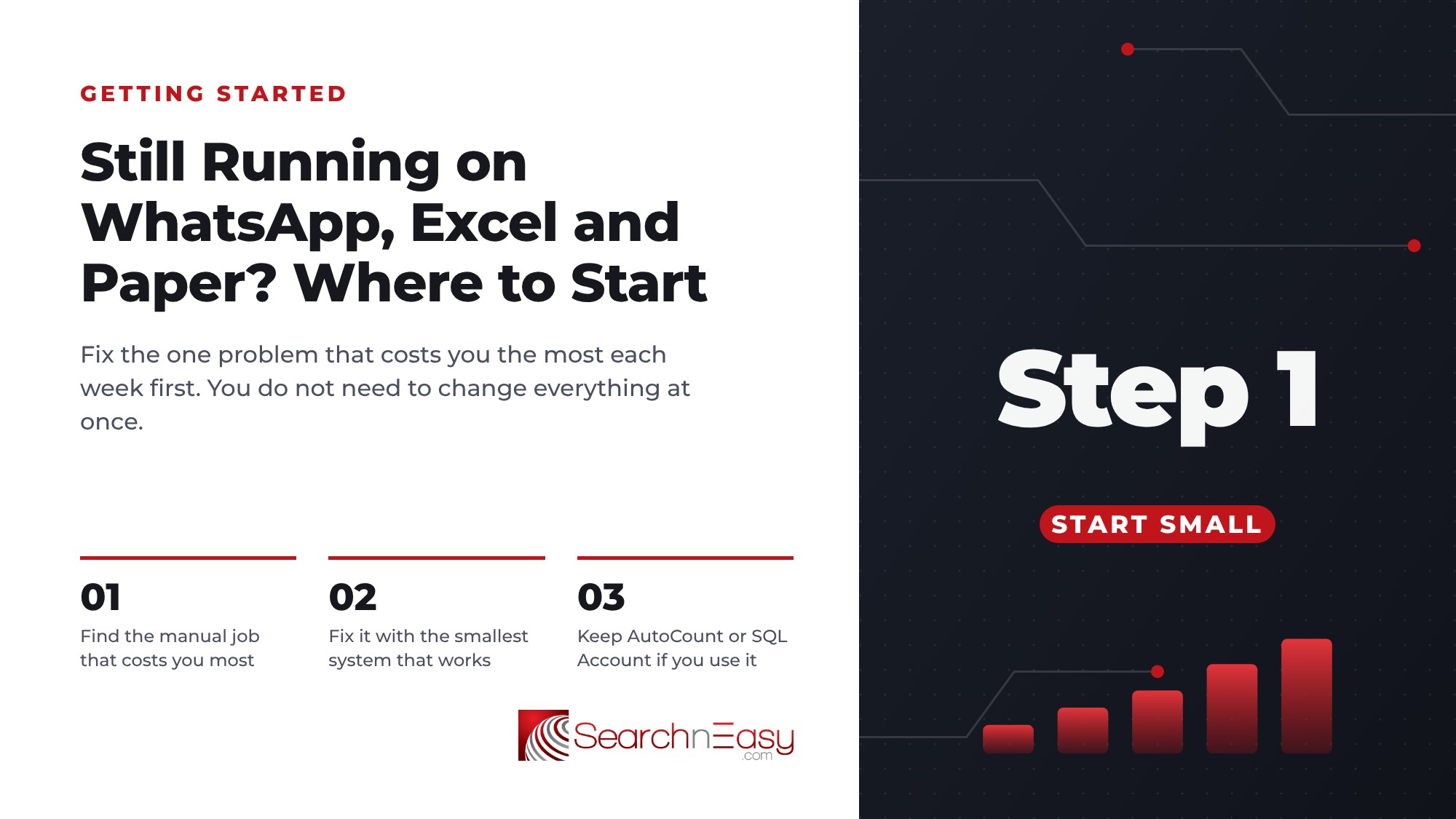
Do not try to digitalise the whole company in one go. Pick the one area where mistakes hurt the most.
- If stock never matches, start with stock and sales.
- If invoices are late or missing, start with quotation to invoice.
- If you cannot see today's sales without asking, start with a simple daily view of sales and payments.
One area done properly is worth more than five half-done.
Step 3: Put the data in one place
The real change is not the software. It is having one record of each customer, each order and each item, which everyone uses. When the order is entered once, the stock, invoice and report all come from the same record.
This is what a business system does. Searchneasy BOS, for example, keeps products, stock, sales and invoices together, so a sale updates stock and the invoice at the same time. Larger operations with production or several warehouses may need a fuller ERP such as EasyERP.
Step 4: Keep WhatsApp, but stop using it as your database
You do not have to stop using WhatsApp. Customers like it, and it is fast. The difference is that WhatsApp becomes the place you talk, not the place you store orders. The order itself goes into the system, where anyone in the team can find it.
Step 5: Move one step at a time
A sensible order for most SMEs:
- Products and stock in one list.
- Sales and invoices from that list.
- Customer records and history.
- Reports you can check on your phone.
- Connections to your accounting software or online shop, if needed.
Each step should make daily work easier before you move to the next.
A quick self-check
Ask yourself:
- How many times is one order typed?
- Who is the only person who knows how the Excel file works?
- How long does it take to answer "how much stock do we have?"
If the answers worry you, it is time to start, even with a small first step.
Talk to us
We have helped Malaysian businesses move from WhatsApp, Excel and paper into one system for more than 20 years. Tell us how an order moves through your business today, and we will tell you honestly where we would start.
WhatsApp us: +60 12-720 3513
Frequently Asked Questions
Do I need to stop using WhatsApp?
No. Keep using it to talk to customers. Just record the order in one system instead of leaving it in the chat.
Should I move everything at once?
No. Start with the area where mistakes cost the most, usually stock or invoicing, then add the rest step by step.
Is Excel bad?
Excel is fine for small lists. It becomes risky when several people update copies of the same file, or when the same data must be typed again elsewhere.